Create work boundaries at home
Arrange your desk to reduce glare
If your desk lamp reflects on the screen or casts a shadow over your writing, adjust the desk, monitor, and light together. Try these placement ideas before buying a more expensive lamp.
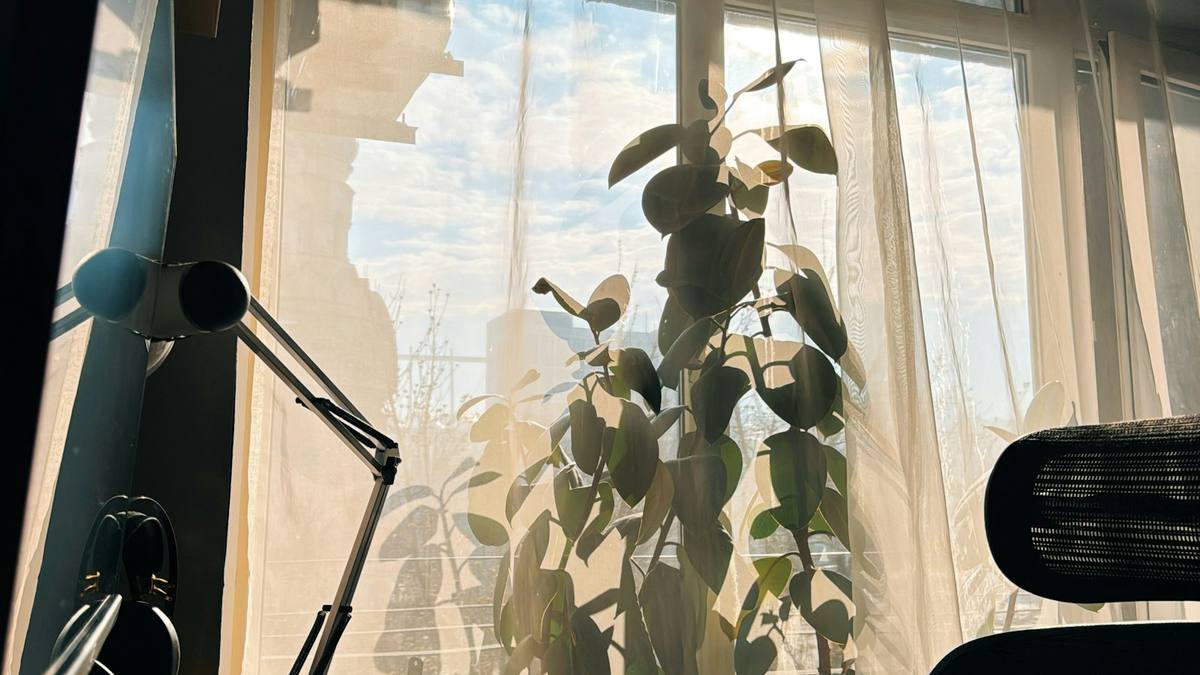
If glare remains after changing your desk lamp, check the direction of the light as well as its brightness. A window, monitor, and desk lamp facing one another can cause reflections, and your hand may cast a shadow while you write.
From your seated position, turn the screen off and look for reflections from windows or overhead lights. Positioning the monitor parallel to the window or shifting the lamp to the side may reduce glare. Adjust curtains or blinds when daylight is strong.
If you write with your right hand, placing the lamp on the left can help keep your hand’s shadow off the page. Reverse the setup if you are left-handed. If you alternate between screen and paper work, choose a lamp or position that is easy to adjust.
A very bright desk against a dark room can feel uncomfortable as your eyes move around. Use room lighting along with the desk lamp to reduce the contrast, then adjust the brightness to what feels comfortable. If discomfort continues, also check screen distance and take breaks.
Before replacing the lamp, try adjusting the monitor and the direction of the light. A small change in placement can make your workspace more comfortable.